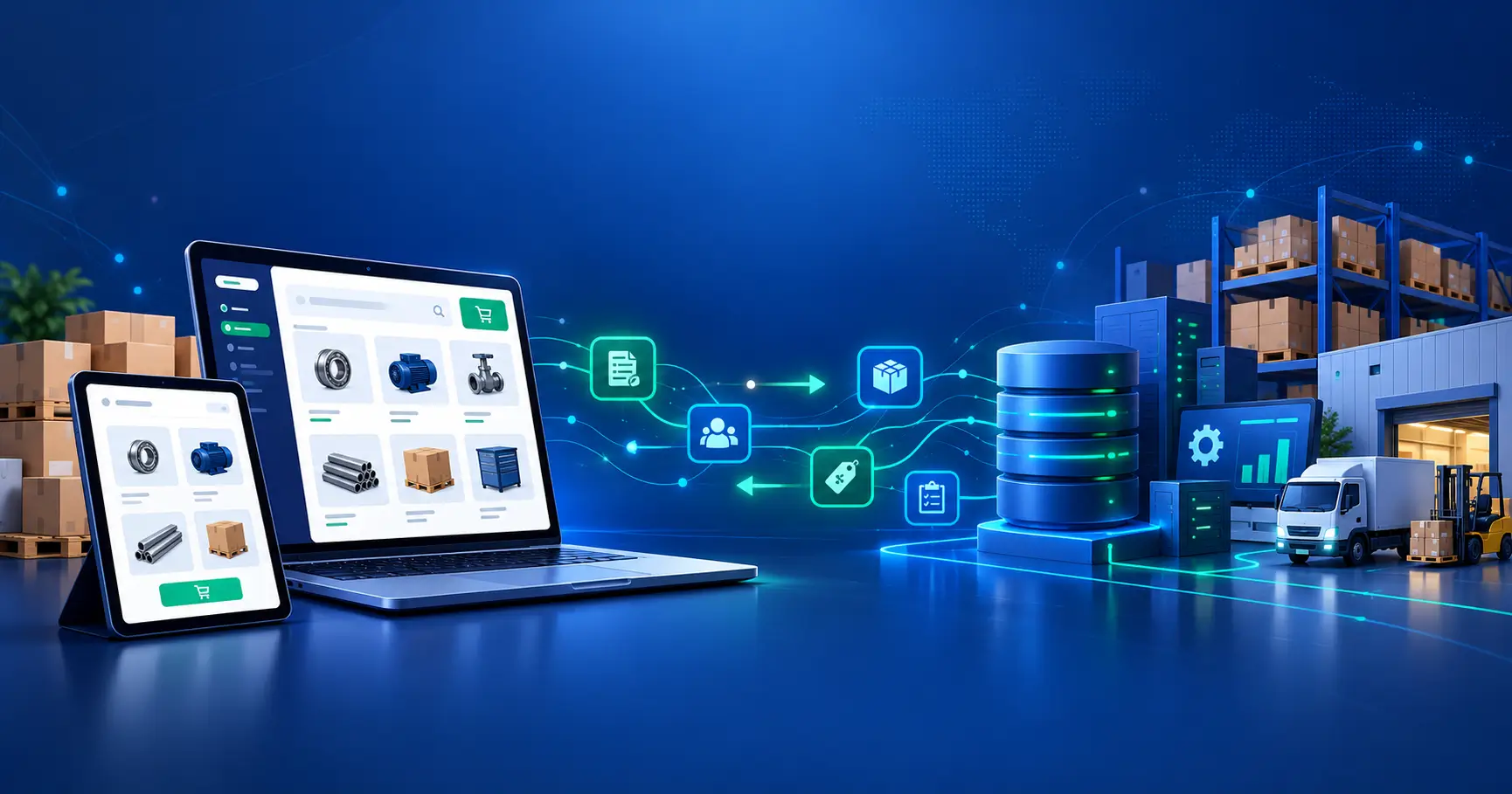
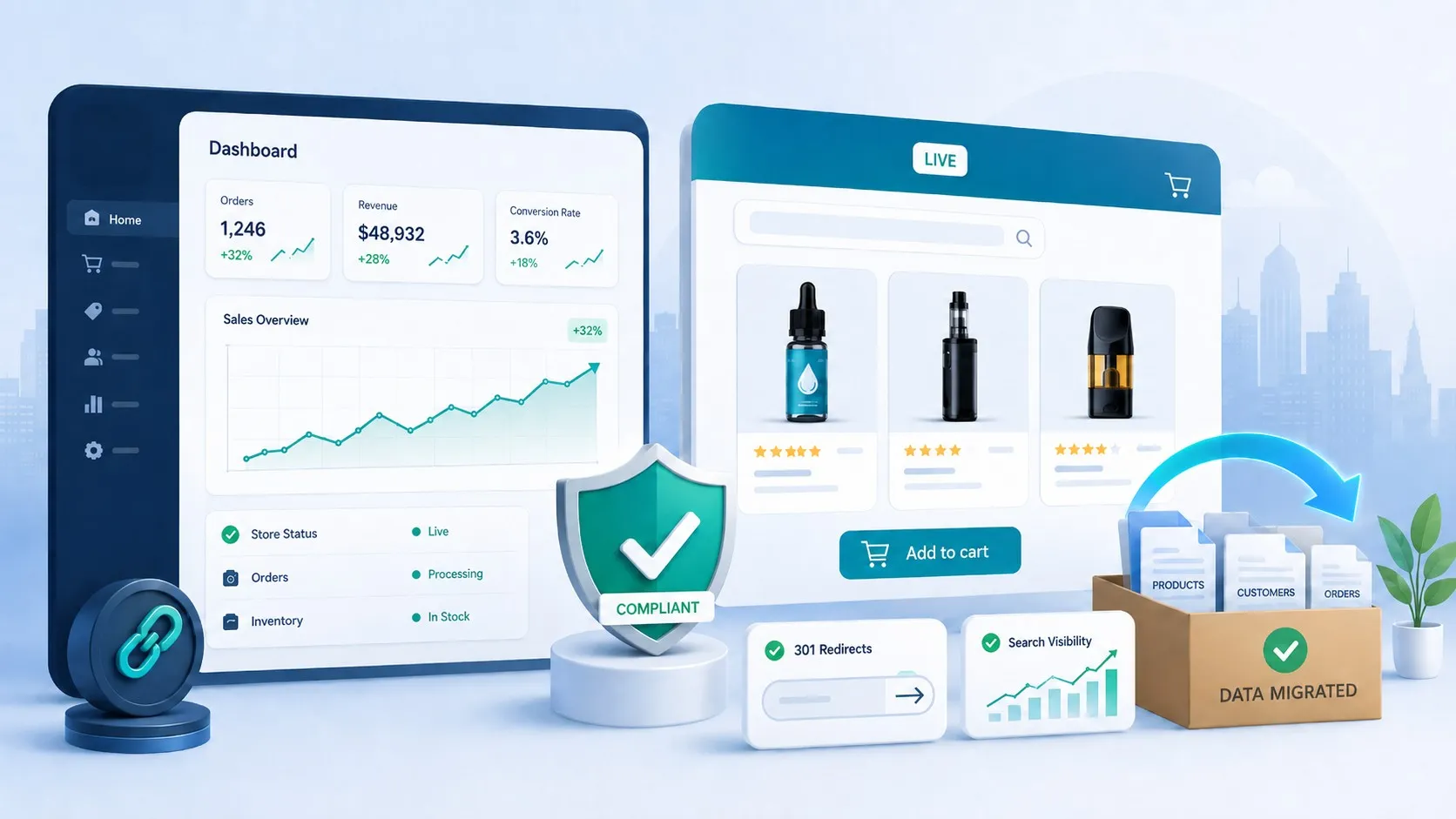
Shopify is an e-commerce platform that provides you with all the necessary tools to either start or grow your e-commerce business.
Whether you’re exploring an e-commerce business for sale by owner or planning to build your own store from scratch, Shopify offers flexible options for both scenarios.
Whether you’re considering purchasing an existing Shopify cart page setup or building a custom store from the ground up, understanding the differences is crucial for your success.
The platform has several tools that manage your e-commerce store and connect you with millions of potential customers, including features like the add to cart button on product page Shopify that directly impacts conversion rates.
In order for a person to operate an e-commerce business, one must have an interface to deal with the customer.
This interface is the modern-day e-commerce platform. E-commerce marketplaces such as Shopify have been in good business due to the demand for connecting suppliers with consumers with ease.
To learn more about what Shopify is and how it works, you can explore comprehensive guides that explain the platform’s capabilities.
When creating your store, elements like your Shopify cart page design and how to customize cart pages in Shopify become critical factors that influence customer purchasing decisions.
What Is a Shopify E-Commerce Business for Sale by Owner?
On the internet, Shopify e-commerce businesses for sale by owners are present, which can be bought, and business operations can begin directly.
It means that a Shopify e-commerce business is put on sale by the owner on Shopify.
Then, a potential buyer clicks on the platform and ends up buying it directly from the previous owner to become the new owner of the last account.
This way, only the owner of the platform changes, and the rest of the business is unaffected.
Pros: Shopify E-Commerce Business for Sale by Owner
- Ready-to-use e-commerce platform.
- Already has traffic.
Cons: Shopify E-Commerce Business for Sale by Owner
- No platform design is set according to your brand.
- The business may be on a different e-commerce platform.
Note: If you bought a website such as WooCommerce or Magento and want to convert it to Shopify, consider using Folio3’s Shopify migration services.
- Poor design of the e-commerce store.
Note: If you have already bought a Shopify platform from an owner and are struggling to manage it by yourself, you should check out Folio3 Shopify maintenance services and manage your Shopify platform by professionals while you devote your efforts to your products.
How to Create a Profitable Shopify Store From Scratch
Shopify is, without a doubt, a very innovative platform for e-commerce. We break it down step by step.
Creating a Shopify e-commerce store from scratch is a difficult task if you want your store to stand out amongst other stores.
- Log on to the Shopify page.
- Enter your email address, start the trial, and click on Next.
- Enter the default address for your business and click on Next.
- Add the products you want to sell.
- Create key pages for your store.
- Pick a theme and customize your online store.
- Customize your shipping settings.
- Configure your tax settings.
- Set up your payment gateway and payouts.
- Prepare your store for launch.
- Launch your store.
There is a significant number of e-commerce stores, but standing out amongst other competitors is a challenging task.
If you want your platform to be developed expertly, consider Folio3 Custom Shopify Website Development Services in order to create your e-commerce platform on Shopify, because they have 15+ years of experience.
As per a study by Marketing Signals, 90% of e-commerce businesses fail after 3-4 months, according to a survey.
In order for a company not to compromise on its quality and be safer in the long term, it is imperative that its Shopify platform be designed by experts.
Your Shopify store should be created from scratch in order to complement your product.
Online Stores for Sale vs. Creating a Shopify Store From Scratch: Functionality
What Is Functionality?
The ease of navigation defines the functionality your business provides to a client for the product.
This means that if a buyer can navigate through your store, they will subsequently understand the product they want to buy.
Online Stores for Sale and Their Functionalities
With an online store for sale by an owner, there are minimal options. A ready-made store can barely be functional since it is not aware of your specific product. The product is always overly generalized in ready-made online stores.
For example, if you plan to sell kids’ watches and choose to buy a ready-made e-commerce platform.
They likely provided you with a store that was developed for adult watches, thus conflicting with the design and marketing of your product.
Therefore, eventually damages the functionality of your business.
Create a Shopify Store From Scratch and Its Functionalities
If you develop your Shopify store from scratch, you will keep it easily navigable.
For example, you will create functions that make it easy for users to buy kids’ watches by displaying fast colors and other business strategies.
This means that your store will be complete in accordance with your product.
Note: If you are not aware of which tools to utilize in your Shopify store for the business to be long-term, it’s safer to make use of services like Folio3 Shopify maintenance services.
E-Commerce Business for Sale vs. Create a Profitable Shopify Store: Design
What Is a Design?
An e-commerce platform design is a process of arranging your product and content in such a way that it subconsciously attracts the buyer.
The contrast, colors, pictures, outlay, and text all play a vital role in attracting the buyer to your product.
E-Commerce Business for Sale: Design Strategy
An e-commerce business for sale by the owner’s design will be generic. It will not be specified if you plan to sell a new product.
For example, if you are selling products to senior citizens, keep the description short and the font big.
You will avoid using fast colors and instead opt for plain colors, but a ready-made business may not provide you with such tools.
Create a Profitable Shopify Store Design
Since you create the design of your store, you will do so while keeping your products in mind. Your Shopify store will be relevant to your product.
The store design should be extremely exemplary, or your competitors may surpass you.
There are complete departments allocated for Shopify platform designing, so companies have mastered the art of designing e-commerce stores, as they know the importance of a good design.
You can use Folio3 Shopify Website Designs Company, to design your Shopify store.
Buy E-Commerce Business vs. Profitable Shopify Store From Scratch: Themes
What Is a Theme?
The theme of a website is the general outlook, feel, and style of your E-commerce website on a specific electronic device.
The themes can be variable on desktops and smartphones. A theme should be responsive to your website. A theme is closely related to design.
Buy an E-Commerce Business With Its Theme
A ready-made e-commerce business sold by an owner will not have a practical theme because the store didn’t practically have its own design.
Your store may be well designed (for desktops), but if the content is stuffed on a small screen(smartphone), the user will have a hard time pinching, tapping, or stretching the screen just to access the content and will subsequently leave.
Profitable Shopify Store From Scratch and Its Theme
A custom-developed Shopify store will always have a practical theme because the theme will be chosen in light of your product.
This will optimize your design and theme to ensure that your traffic does not face any difficulty on various platforms.
Buy an E-Commerce Website vs. Create a Successful Shopify Store: Development Time
What Is Development Time?
Development time in e-commerce is significant. Development time is defined as the ability of your website to be functional on time.
Buying an E-Commerce Website: Expected Development Time
If you plan to buy an e-commerce website, it can take anywhere from two to 12 months.
It takes this long generally because you have to read all your product photos, copy, and everything else to paste onto the site.
Creating a Shopify Store: Expected Development Time
It can take as little as 3-4 days to complete your custom Shopify store with all the content and products done.
For some people, it may take longer if they decide to build it themselves.
The Shopify store gives you the opportunity to start with a free trial to test the platform and build your store before committing.
If you want to focus on your product and cannot invest time to learn and make a custom Shopify store, it is preferable to use Folio3 Custom Shopify Website development services, so you handle the product, whilst they take care of your Shopify store.
Buy an Established E-Commerce Website vs. Building a Profitable Shopify Store: Features
What Are the Features?
The features of your store are the driving force of your business.
If people can access your e-commerce platforms and are able to return satisfied, it means that the features you provided are satisfying the customer.
The dominant features of e-commerce businesses include an easy-to-remember URL, a thorough description of your products, a title followed by images, etc.
Features on an Established E-Commerce Website
On an established e-commerce website, the features are already added.
This means that all of the website features must be managed by contacting other platforms, especially in payment gateways.
This wastes valuable resources, as you may be using services that are not profitable to you.
Features of Building a Profitable Shopify Store
Shopify offers its customers several tools.
These features include product management, titles, and fraud analysis techniques, relevant photos and descriptions, as well as a responsive store, all because it is a dedicated e-commerce platform.
If you need additional functionality beyond the standard features, you can explore custom Shopify app development to extend your store’s capabilities.
In order to manage and maintain the traffic, you can use Folio3 Shopify maintenance services.
Understanding the Shopify Cart Page and Its Importance
The Role of the Shopify Cart Page in Conversions
Your Shopify cart page serves as the final checkpoint before customers complete their purchase.
An optimized cart page design can significantly impact your conversion rates and reduce cart abandonment.
When you understand how to customize cart page in Shopify effectively, you create a seamless shopping experience that guides customers toward checkout.
Key Elements of an Effective Cart Page
An effective Shopify cart page design should include several critical components that work together to guide customers toward completing their purchase:
- Clear product information – Display product names, images, sizes, colors, and other relevant attributes
- Quantity adjusters – Allow customers to easily update item quantities
- Prominent pricing details – Show individual prices, subtotals, and total costs clearly
- Intuitive checkout button – Use contrasting colors and action-oriented text
- Trust signals – Include security badges, return policies, and customer testimonials
- Shipping information – Display estimated delivery times and costs
- Easy navigation – Provide options to continue shopping or return to previous pages
The add to cart button on product page Shopify should lead customers to a well-designed cart that reinforces their purchasing decision.
To further improve your cart performance, consider exploring Shopify apps for conversion rate optimization that can help reduce cart abandonment.
Customizing Your Shopify Cart Page for Better Performance
Learning how to customize cart pages in Shopify allows you to align the shopping experience with your brand identity.
You can modify colors, layouts, and functionality to match your store’s aesthetic while improving usability.
A well-customized Shopify cart page reduces friction in the buying process and can increase your average order value through strategic upselling opportunities.
Buy Ready-Made E-Commerce Website vs. Create a Profitable Shopify Online Store: Payment Gateways and Fees
What is a Payment Gateway and Its Fee Charges?
A payment gateway is a process of authorizing the details of a card entered by the buyer as payment for the product.
The payment gateway ensures that the buyer has possession of their card and sufficient funds to cover the transaction.
This process happens within a few seconds and is partially the reason for the success of e-commerce, as the transaction is completed hassle-free.
The payment gateways charge fees for these transactions from e-commerce websites and stores.
Payment Gateway and Fees for Ready-Made E-Commerce Website
Since an individual creates their own e-commerce website, this means that they will have to manage the whole website by themselves.
They may need to self-develop payment gateways by employing developers or use other payment gateways to add themselves to the user’s website.
The payment gateways have to be paid, and they can also charge your website per transaction. This means additional costs keep rising.
Payment Gateway and Fees for a Profitable Online Shopify Store
Shopify facilitates payments for the users with their Shopify payments department.
They have major payment gateways such as PayPal, Amazon Pay, Stripe, and even Apple pay.
These gateways ensure the best services in transferring funds, especially preventing fraud.
They take 2.9% + 30 cents per transaction.
However, you can also use your own payment gateway, but a user will then have to pay their minimum fees, which range from $2 to $4.
Buy Ready E-Commerce Website vs. How to Make a Profitable Online Store: Budget and Pricing
What Is Budgeting and Pricing?
These are the costs of hosting, payment processing, designing, add-ons and extensions, and business growth.
Buying a Ready E-Commerce Website: Budget and Pricing
Since your e-commerce website is independent, this means that you must separately pay each of those mentioned above to budget your business.
This means that you will have to pay vast sums of money to host your website, then design it, and then cover the payment gateway fees.
These will amount and may cost up to approximately 10,000 to 25,000$.
How to Make a Profitable Online Store: Budget and Pricing
This is where online stores come to our aid. For a small business, such a considerable sum of money is not possible to pay, so it is preferable to use online stores.
If you’re wondering whether Shopify is a good eCommerce platform for your business needs, you can explore detailed comparisons with other platforms.
Online e-commerce stores such as Shopify, WooCommerce, and Magento provide all the same features you would expect in an e-commerce website.
However, the catch is that these prices are highly affordable for businesses. In fact, Shopify offers different business plans for other companies.
- Basic Shopify for 29$ a month.
- Shopify for 79$ a month.
- Advanced Shopify for 299$ a month.
These cover all the costs of running your Shopify store.
E-Commerce Website for Sale vs. How to Make a Profitable Online Store: Marketing Tools
What Are Marketing Tools?
If an entrepreneur wants to grow their e-commerce business, they should understand the importance of marketing.
Marketing tools allow your product to improve and increase its potential customers.
These marketing tools make use of strategies such as advertisements, market analytics, and SEO.
E-Commerce Website for Sale: Marketing Tools
Again, since your website is independent of any features, you will have to separately manage your marketing.
You will have to perform Search Engine Optimization and analyze the data all independently.
These may cost you up to 3500$.
How to Make a Profitable Online Store: Marketing Tool
Marketing tools are already provided on online stores such as Magento, WooCommerce, and Shopify.
This means you do not need to sit and record your data. You should know how to manage the data already provided by e-commerce platforms.
They offer all the general marketing tools within the cost of your registered plan.
If you need help managing your online store, consider Folio3 Shopify Maintenance services.
Optimizing Product Pages and Cart Functionality
Designing the Add to Cart Button on the Product Page Shopify
The add to cart button on product page Shopify is one of the most critical conversion elements in your store.
To maximize its effectiveness, consider these key design principles:
- Prominent placement – Position the button above the fold where customers can easily see it without scrolling
- Contrasting colors – Use colors that stand out from your theme to draw attention
- Clear action-oriented text – Use phrases like “Add to Cart,” “Buy Now,” or “Add to Bag”
- Appropriate size – Make the button large enough to be easily clickable on all devices
- Visual feedback – Provide immediate confirmation when customers click the button
- Mobile optimization – Ensure the button is thumb-friendly on mobile devices
When customers click this button, they should experience a smooth transition that confirms their action and encourages them to continue shopping or proceed to checkout.
Enhancing User Experience From Product to Cart
Creating a seamless journey from the add to cart button on product page Shopify to your cart page is essential.
Consider implementing features like slide-out cart drawers, real-time cart updates, and clear visual feedback when items are added.
These enhancements, combined with an optimized Shopify cart page design, create a cohesive shopping experience that minimizes drop-offs.
Cart Page Customization Best Practices
When you learn how to customize cart pages in Shopify, focus on maintaining brand consistency while prioritizing usability.
Your Shopify cart page should load quickly, display accurate product information, and make it easy for customers to modify quantities or remove items.
Adding strategic elements like progress indicators, estimated delivery times, and promotional offers can further enhance your cart page’s effectiveness.
E-Commerce Business for Sale by Owner vs. Build an Online Store From Scratch on Shopify: SEO
What Is SEO?
SEO means that the keywords entered into search engines are recorded and then used in product advertisements.
The more these keywords are detected, the more people arrive at your website. This results in increased traffic on your website.
This strategy increases your brand awareness. SEO is another field that requires considerable time to look up and optimize to its fullest potential.
SEO in an E-Commerce Website on Sale by Owner
To manage SEO on your website, you must employ independent services or do it yourself.
Based on Ahrefs’ research, the cost of an average agency SEO plan is $2819 per month.
The cost ranges from around $500 per month to somewhere between $25,000 and $50,000 per month.
SEO on an Online Store From Scratch
The top online stores, such as Magento, WooCommerce, and Shopify, provide built-in SEO features.
These online stores have all the SEO tools that cover the basics in order to analyze the data.
So you do not need to work on SEO separately and have increased costs like e-commerce websites have.
Buy Shopify Store Dropshipping vs. How to Set Up Shopify Store for Dropshipping
What Is Dropshipping?
When a consumer purchases products from a dropshipping store, a third-party supplier will ship them to the consumer directly.
The customer will pay you the retail price, and you pay the supplier’s wholesale rate. The remainder will be your profit.
Buy a Shopify Store Dropshipping
You can buy Shopify store dropshipping directly from Shopify. This means your store’s inventory will be drop-shipped by using services on Shopify.
The ease of use and the variety of apps available to add inventory to your store make it understandable why Shopify is a popular platform choice for dropshipping.
How to Set Up a Shopify Store for Dropshipping
To set up your dropshipping store on Shopify, you will need a supplier for your goods.
- You will have to set up your Shopify store.
- You will install and make use of Oberlo, which is a Shopify dropshipping tool that integrates with Shopify to import products from other e-commerce platforms such as AliExpress.
- You need to add a category to your Shopify store.
- You use the Oberlo application to search for items you are interested in selling.
- Now you must launch marketing campaigns to attract potential customers.
- Your Shopify store is ready for business.
Note: If your marketing campaign is not attracting traffic or you cannot market your product, consider using Folio3 digital marketing services.
B2B Strategy for Suppliers
If you are a supplier, you can cut out the cost of the middlemen by directly selling the product to the consumer.
For example, websites such as Magento are specially used for bulk supplying online.
Shopify has B2B businesses running as well, such as Death Wish Coffee and Lair Superfoods.
If you are hesitant to advance yourself in this business, as it is new for you, consider using Folio3 Custom Shopify Website development services to start your B2B business on any e-commerce platform, be it Magento or Shopify.
Integration
If a businessperson does not want to shift platforms completely and instead expand the business, they should integrate their custom-built website with another platform, such as Magento or WooCommerce.
This means linking both websites’ data in order to increase traffic.
This integration means that you can transform, shape, and analyze your business performance.
Suppose you want all your e-commerce businesses serviced by a single company.
In that case, you should choose a company that deals with all your Shopify stores by making use of Folio3 Shopify Integration Services.
After assessing the data of your website, it can be deduced whether to integrate the stores or migrate them.
Website Migration
The volatile nature of e-commerce means that the marketplace is constantly changing.
In order to keep up with the dynamic changes, an e-commerce businessperson should understand that they can migrate their e-commerce business stores to other e-commerce business stores as well.
There could be several reasons for this—for example, expansion of the business or increased traffic on other platforms.
For example, if I have a store on Shopify and I want to start my business on Magento or WooCommerce,
I will migrate my store from Shopify to the platform of my choice by using Folio3 Shopify migration services.
The change of platforms is a sensitive task as one must ensure that the standard of the store is not affected, as migrations tend to drop the traffic and quality of an e-commerce store.
Inventory Management
Inventory management for your business means managing the space and products of your business.
Companies with efficient inventory management present several advantages, such as reduced waste of resources, thus decreasing expenses, timely replenishing the products of your business, resulting in a constant supply chain, which in turn increases profit margins and allows for business expansion.
Furthermore, connecting customers, items, orders, payments, and shipment data is made quick and easy with the help of such software.
When a businessperson decides to start their business on online stores such as Shopify, the most important concern they have is determining the right amount of inventory to begin with.
The generalized answer to that is to have at least 10-25 pieces of stock on startup. After the initial phase, you must remember to manage the inventory.
If managing the inventory is overburdening your business, you can always use Folio3 Shopify Maintenance services to manage your online store inventory.
Mobile Responsiveness
In the information age, one of the most essential tools is the smartphone.
According to Statista, almost half of the world’s population possesses smartphones.
This is why a majority of businesses are expedited on smartphones. This means the traffic for online companies makes use of smartphones.
This massive amount of traffic requires expertly built applications. An application should be able to cope with the sudden changes occurring on smartphones.
If your application’s foundations are strong, it will never have scalability issues.
Consider using Folio3 Shopify app design agency to ensure that your applications are highly responsive, which makes them an essential medium for e-commerce.
Final Thoughts
After reading this article, we can conclude with several decisions that will allow an e-commerce businessperson to start and grow their e-commerce business.
- First of all, we should always opt for a custom-made e-commerce platform because of its tremendous advantages, such as relevant design, correct themes, functionalities, and cost-effectiveness. This includes properly designing your Shopify cart page and optimizing the add to cart button on the product page for maximum conversions.
- Secondly, we should use existing online e-commerce platforms such as Shopify, WooCommerce, and Magento to market our business. These platforms connect us with potential buyers and provide inexpensive pricing plans as compared to websites. Understanding how to customize cart pages in Shopify gives you control over the customer experience.
- Finally, we should make use of service companies that manage our online stores and enhance their growth. One such company providing these services in a professional manner for 15+ years is Folio3. They can help with everything from Shopify cart page design to complete store customization.
FAQ’s About Shopify E-Commerce Business for Sale by Owner
Online Businesses for Sale Under $5,000 vs. Creating Your Own Online Store: Which One Is Best?
You should always create your own online store from scratch in order to grow with the business.
You should choose an e-commerce platform such as Shopify and make your website there. Since a basic plan on Shopify costs 29 dollars a month, you have a sufficient budget to run your business on Shopify for more than a year.
Furthermore, you can avail the services of Folio3 Custom Shopify Website Development Company to produce a presentable Shopify store and still have your investment leftover.
Do I Need a Service Company That Will Manage My Shopify Account if I Am Working on My Product?
Yes, if you want a long-lasting business, you should definitely choose a service provider.
The reason is that it’s better to let servicing companies build your Shopify account to ensure quality management.
If you do not ensure quality, your business will face losses. Understanding what a Shopify partner is can help you find qualified professionals who specialize in Shopify development and maintenance.
This research paper, published by Ovidius University Annals, shows the challenges faced by independent businesses if they ignore quality assurance. You can always use Folio3 Shopify Maintenance services as your Shopify manager.
Online Business for Sale Under $10,000 vs. Create Your Own Website Store: Which One Is the Best Option?
If the business is going for sale, don’t you think that the company was facing a loss?
It means that the business was not profitable.
With your investment of $10,000, it is better to create your own website store. Since you have a budget of 10,000$, you can easily afford a good service agency to develop, maintain, and expand your business.
How Important Is the Shopify Cart Page Design for My Store’s Success?
The Shopify cart page design is critically important for conversion rates and reducing cart abandonment.
A well-designed cart page provides clear product information, easy navigation, and builds trust with customers at the crucial moment before checkout.
When you customize your Shopify cart page effectively, you create a seamless experience that encourages customers to complete their purchase.
A professional Shopify cart page design can increase your conversion rates by up to 35% by reducing friction and providing all necessary information at a glance.
What Should I Consider When Optimizing the Add to Cart Button on the Product Page Shopify?
When optimizing the add to cart button on product page Shopify, consider button placement, color contrast, size, and clarity of messaging.
The button should be immediately visible above the fold, use action-oriented text like “Add to Cart” or “Buy Now,” and stand out from your page design.
Additionally, ensure the button is mobile-responsive and provides immediate visual feedback when clicked.
An optimized add to cart button on product page Shopify combined with a well-designed cart page creates a smooth purchasing journey.
How Can I Learn How to Customize Cart Page in Shopify Without Coding Knowledge?
Learning how to customize cart page in Shopify can be done through several methods even without coding knowledge.
Shopify’s theme editor provides visual customization options where you can modify colors, fonts, and layouts.
Additionally, many Shopify apps in the app store offer cart customization features with drag-and-drop interfaces.
For more advanced customizations to your Shopify cart page, consider hiring a Shopify expert or using professional services like Folio3 that specialize in Shopify development and can create a custom cart page tailored to your brand.