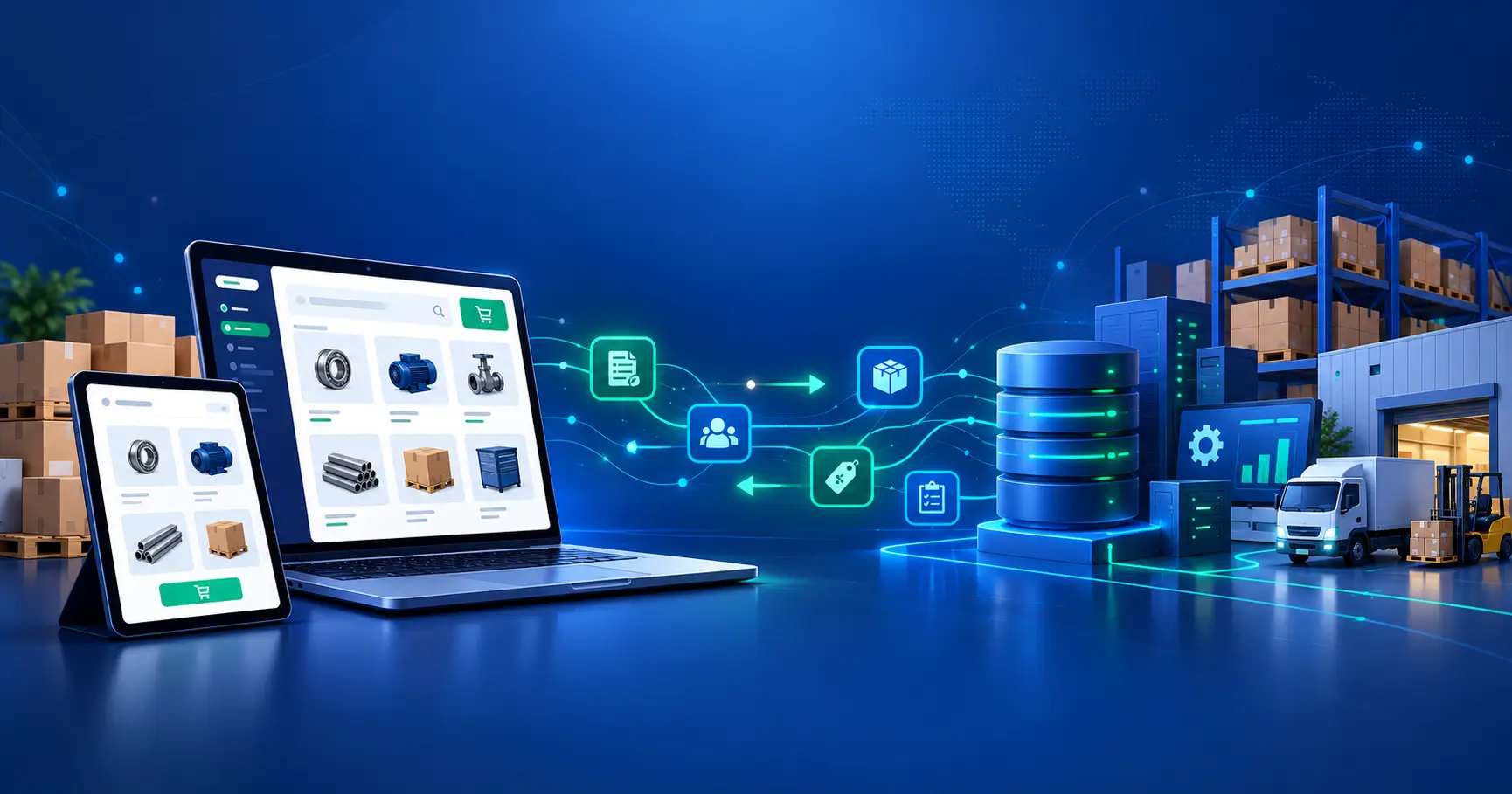
Stop re-keying orders. Here is how to connect your storefront to your ERP so your team handles exceptions, not routine transactions.
The short answer
ERP integration for B2B eCommerce connects your storefront to your ERP so customer-specific pricing, inventory, orders, account data and payment terms move between them without manual entry. The right approach depends on your catalog complexity, order volume and the number of systems involved. Most teams choose between a prebuilt connector, an iPaaS platform and custom integration, and the choice changes cost, timeline and long-term maintenance.
If your buyers order by email, your sales reps copy orders into the ERP by hand, or your site shows list prices and stale stock, the storefront is not the problem. The disconnect between your storefront and your ERP is. This guide covers what to connect, where integrations break, how to choose an approach and a partner, and what drives cost and timeline.
What ERP integration for B2B eCommerce actually covers
Your ERP holds the truth about pricing, stock, credit and orders. Your storefront is where buyers see and act on it. Integration is the set of data flows between the two.
| Data | Direction | What breaks without it |
|---|---|---|
| Customer-specific and contract pricing | ERP to storefront | Buyers see list prices or wrong prices, and reps issue manual quotes |
| Inventory by warehouse | ERP to storefront | Overselling, backorders and “is it in stock?” calls |
| Orders | Storefront to ERP | Re-keying, delays and entry errors |
| Order status and shipments | ERP to storefront | Buyers email or call for updates |
| Customer accounts and credit limits | New accounts to ERP; credit limits from ERP | Orders placed outside approved terms |
| Payment terms and invoices | Both ways (terms and invoices from ERP; payments to ERP) | Buyers cannot self-serve on net terms |
| Product data | PIM or ERP to storefront | Inconsistent descriptions, SKUs and attributes |
Beyond the ERP, B2B commerce usually involves a CRM for account insight, a PIM for product data, an OMS for order routing, a WMS for fulfillment and punchout connections (cXML or OCI) to buyers’ eProcurement systems. We connect storefronts to each of these.
Where disconnected systems cost you
These are the five points of friction we see most often in B2B commerce operations.
- Pricing that lives only in the ERP. Tiered prices, contract prices and customer price lists are hard to expose on a storefront. Without integration, your buyers cannot see their own price.
- Inventory that lags. Batch updates leave the storefront out of step with your warehouses, so buyers order stock you do not have.
- Order exceptions handled by hand. Partial shipments, backorders and substitutions need rules. Without them, someone in operations resolves each one manually.
- Credit and payment terms outside the checkout. If the storefront cannot check credit limits or apply net terms, finance reviews orders after the fact.
- Catalog complexity. Large catalogs, minimum order quantities, pack sizes and unit conversions all need to match what the ERP enforces.
Each point is a source of friction for buyers and a recurring cost for your team. Fixing them one by one is slower than fixing the integration underneath them.
Connect, Automate, Scale
We approach ERP integration for B2B eCommerce in three stages.
Stage 1
Connect
Link the storefront to the ERP, CRM, PIM, WMS and marketplace channels so they work as one system and agree on the same data.
Stage 2
Automate
Automate pricing, orders, approvals, fulfillment and inventory updates so your team handles exceptions, not routine transactions.
Stage 3
Scale
Add brands, regions, catalogs, buyers and channels without multiplying operational overhead.
Connecting comes first. Automation built on mismatched data only moves the errors faster.
iPaaS vs custom ERP integration
This is the most consequential choice in an ecommerce ERP integration project. There are three common routes: a prebuilt connector, an iPaaS platform and custom integration.
| Prebuilt connector | iPaaS platform | Custom integration | |
|---|---|---|---|
| Best for | Standard catalogs and simple pricing | Several systems and moderate customization | Complex pricing, unusual workflows or strict control |
| Speed to start | Fastest | Fast | Slowest |
| Flexibility | Limited | Moderate to high | Highest |
| Ongoing maintenance | Vendor updates | Platform plus your configuration | You own it, or your partner does |
| Main risk | Hits a wall on B2B rules | License cost grows with volume and flows | Higher build effort |
How to decide
- Choose a connector when your pricing is simple and your ERP and platform are both well supported.
- Choose iPaaS when you connect several systems, expect change and want faster iteration without owning all the code.
- Choose custom when contract pricing, approvals or order rules are specific to your business and a platform cannot model them cleanly.
- Many teams combine them: iPaaS for standard flows and custom logic where the rules are unusual.
Not sure which approach fits your systems?
Tell us about your catalog, pricing rules and ERP before you commit to a connector, iPaaS platform or custom build.
Ecommerce ERP integration by platform
The platform is the next decision after the integration model. Each of the three we work on handles B2B and ERP connections a little differently.
Shopify
Shopify supports B2B features such as company accounts, custom catalogs and price lists, and payment terms. Since April 2026 these are available on all paid plans, but unlimited catalogs and assigning a catalog directly to a company, which contract pricing from the ERP usually needs, still require Shopify Plus. The ERP connection is what makes those features accurate. See our Shopify ERP integration services and our guide to Shopify to NetSuite integration.
BigCommerce
BigCommerce offers customer groups and price lists natively, and B2B Edition adds company accounts, buyer roles, quotes, shopping lists and an invoice portal. Read why BigCommerce NetSuite integration matters and see our BigCommerce integration services.
Adobe Commerce (Magento)
Adobe Commerce gives the most room for custom B2B logic, which suits complex pricing and approval flows. Its native B2B module (company accounts, shared catalogs, quotes and purchase approvals) is part of Adobe Commerce only, not Magento Open Source. See our guide to Magento integration with ERP.
NetSuite and Microsoft Dynamics 365 Business Central: what to plan for
Whatever your ERP, plan for the same four things before you build:
- System of record. Decide which system owns each data type. Pricing and stock usually belong to the ERP. Product content often belongs to a PIM.
- Sync frequency. Decide what needs to update in near real time (stock, new orders, order status) and what can run in batches (some catalog data).
- Error handling. Decide what happens when an order fails to post. Someone needs to see it, and the buyer needs a clear status. Retries should be safe to repeat, so a recent order does not create a duplicate in the ERP.
- Customization. Check how heavily your ERP is customized. Custom fields, price rules and workflows all need to be mapped.
Each ERP also has its own integration limits. NetSuite exposes data through SuiteTalk web services (REST and SOAP) and custom RESTlets, and the number of concurrent API requests depends on the account’s service tier and SuiteCloud Plus licenses, which caps how much can sync at once. Business Central exposes REST APIs and OData web services with per-environment rate limits, and custom fields or tables added through AL extensions need a custom API page before an integration can read them.
For deeper ERP guidance, see our NetSuite team and our Microsoft Dynamics team.
How to choose an ERP integration partner
A good partner for B2B eCommerce understands both sides: your ERP and your storefront. Ask these questions.
- Which ERP and platform combinations have you integrated, and can you walk through one with pricing and inventory as complex as ours?
- How do you handle customer-specific pricing, credit limits and net terms?
- What happens when an order fails to post to the ERP?
- Who owns monitoring and fixes after launch, and what does that cost?
- How do you document the integration, and can our team take it over?
- How will you test with our real catalog and price lists before go-live?
- How do you approach iPaaS versus custom, and why would you choose one for us?
ERP integration cost and timeline: what drives them
We cannot give a single number without knowing your scope, and any figure you find without that context deserves caution. What we can tell you is what moves the cost and the timeline.
Cost drivers
- Number of systems connected (ERP, CRM, PIM, WMS, OMS)
- Pricing complexity (tiers, contracts, customer lists, promotions)
- Catalog size and data quality
- Custom ERP configuration
- Approach (connector, iPaaS or custom) and license costs
- Testing scope and ongoing monitoring
Timeline phases
| Phase | What happens | What affects its length |
|---|---|---|
| Discovery and data audit | Map systems, data owners and rules | Number of systems, data quality |
| Design | Decide approach, sync rules and error handling | Pricing and order complexity |
| Build | Develop or configure the connections | Approach chosen, customization |
| Testing | Test with real catalog, prices and orders | Catalog size, exception cases |
| Launch and monitoring | Go live, watch flows, fix issues | Rollout strategy |
The fastest way to get a reliable estimate is a short assessment of your systems. We offer a free ERP integration audit for that purpose.
Before you start: a checklist
- ✓List every system that touches pricing, stock, orders and customers
- ✓Decide the system of record for each data type
- ✓Clean your catalog, SKUs and customer records
- ✓Document your pricing rules, including exceptions
- ✓Decide which flows need near real time updates
- ✓Agree who owns monitoring after launch
- ✓Choose a test plan that uses real data
How to measure success
Track a small set of operational measures before and after the integration:
- Manual order touches per day
- Order entry error rate
- Inventory accuracy between storefront and ERP
- Share of orders placed through self-service
- Time from order placed to order confirmed
Set your baseline first. You cannot show improvement without it.
Frequently asked questions
What is ERP integration for B2B eCommerce?
It is the connection between your storefront and your ERP that keeps pricing, inventory, orders, account data and payment terms in sync without manual entry.
How long does ERP integration for B2B eCommerce take?
It depends on scope. The main drivers are the number of systems, pricing complexity, catalog quality and how much your ERP is customized. A short assessment gives a reliable estimate.
Should I use iPaaS or custom ERP integration?
Use iPaaS when you connect several systems and expect change. Use custom integration when your pricing or order rules are too specific for a platform. Many teams use both.
Can I integrate my ERP before replatforming?
Yes, but plan the integration with the target platform in mind so you do not rebuild it. Decide the system of record and data model first, since those carry across platforms.
What does ERP integration cost?
Cost depends on the number of systems, pricing complexity, catalog size, customization and the approach you choose. We scope cost after an assessment, not before.
Which ERPs do you integrate with?
In this guide we cover NetSuite and Microsoft Dynamics 365 Business Central, connected to Shopify, BigCommerce and Adobe Commerce.
Next step
If your orders still pass through email, spreadsheets or manual entry, start with a short assessment. We will review your systems, pricing rules and order flow, and tell you where integration will remove the most friction.
Book a free ERP integration audit Get a free B2B commerce assessment