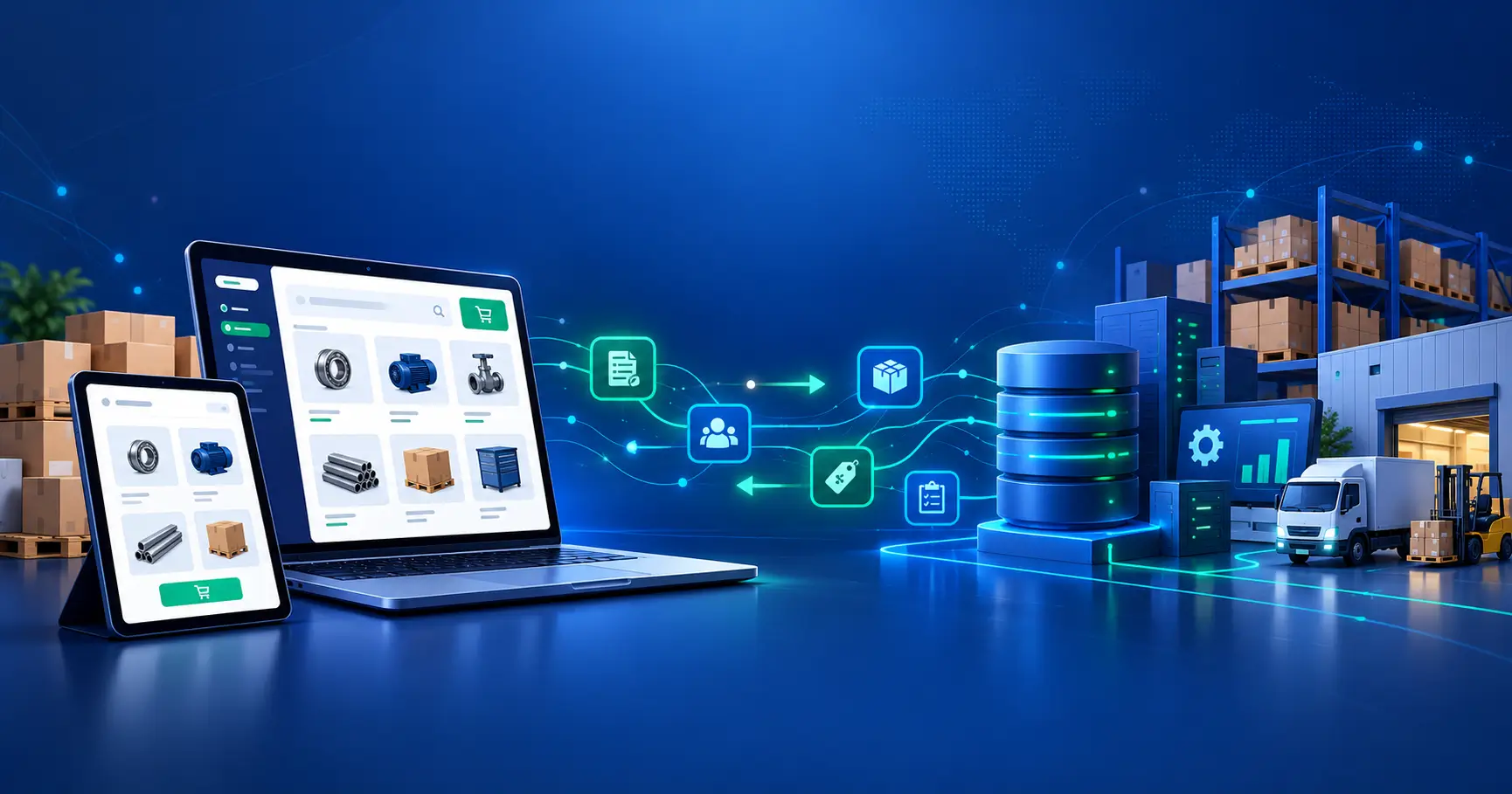
Most brands implementing a Shopify B2B setup face a critical decision early: should we blend B2B and direct-to-consumer sales on one storefront, or run them as separate operations? The Shopify B2B setup choice between blended and dedicated creates immediate operational consequences.
The wrong Shopify B2B setup choice creates months of friction: either bloated checkout flows that confuse consumers, or unnecessary custom features built into a single store when a separate one was needed. Performance suffers. Your admin team wastes time building workarounds. Reporting becomes a headache.
The right approach removes that friction from day one.
Summary
This guide walks you through both primary Shopify B2B setup approaches so you can decide with confidence. You’ll learn:
- The structural differences between blended and dedicated setups
- Cost implications and operational trade-offs for each model
- How payment terms, draft orders, and catalog pricing work in each
- A decision framework to pick the right architecture for your business
- Implementation timelines and next steps to launch
Why Your B2B Setup Choice Matters
Most brands considering a Shopify B2B setup face a fork in the road early: should we blend B2B and direct-to-consumer (D2C) sales on one storefront, or run them as separate operations?
The wrong choice creates months of friction. You either end up with bloated checkout flows that confuse consumers, or wholesale customers clicking through unnecessary steps designed for retail buyers. Performance suffers. Your admin team wastes time building workarounds. Reporting becomes a headache.
The right Shopify B2B setup removes that friction from day one. This guide covers both approaches so you can decide with confidence.
Understanding Your Shopify B2B Setup Options: Blended vs Dedicated
Blended Shopify B2B Setup: One Store, Two Sales Channels
A blended Shopify B2B setup runs your retail and wholesale operations on the same Shopify store with a single product catalog. Customers land on a unified experience; B2B buyers are routed to a separate checkout or pricing tier once they authenticate.
How it works: You maintain one product inventory with a single backend. This simplifies bulk ordering and wholesale pricing management, but adds conditional logic to your checkout. Logic determines whether the buyer sees D2C or B2B pricing, order minimums, and payment terms.
Dedicated B2B Shopify Store Setup: Separate Operations, Separate Stores
A dedicated B2B setup creates an entirely separate Shopify store (usually Shopify Plus) exclusively for wholesale customers. Your D2C store remains unchanged. B2B customers visit a distinct URL and experience a workflow optimized purely for bulk purchasing.
Blended Shopify B2B Setup: Pros and Cons
Pros of a Blended Approach
| Benefit | Details |
| Single Inventory | One SKU database eliminates sync headaches and inventory conflicts. Update once, apply everywhere. |
| Lower Overhead | You manage one Shopify subscription, one set of integrations, one data pipeline. Simpler ops. |
| Shared Customer Data | Track all customer interactions—retail and wholesale—in one customer database. Better segmentation later. |
| Faster Time to Market | Launch B2B without building a second store. Go live in weeks, not months. |
| Simplified Bulk Ordering | One platform handles both retail and wholesale ordering workflows without parallel systems. |
| Unified Analytics | Dashboard reports cover both channels; easier to see total revenue at a glance. |
Cons of a Blended Approach
| Challenge | Details |
| Complex Checkout Logic | You need conditional logic to show/hide features: payment terms, order minimums, volume pricing. Adds coding debt. |
| Feature Conflicts | B2B features (draft orders, bulk pricing tiers) muddy the D2C UX. Consumers see wholesale-oriented screens. |
| Scaling Friction | As volume grows, one store backend can bog down under the dual workload of high-frequency retail and high-value wholesale orders. |
| Customization Limits | Building truly distinct B2B workflows becomes hacky. You’re layering features onto a D2C foundation. |
| Admin Bloat | Your Shopify admin accumulates scattered toggles and custom fields for both models. Harder for new team members to navigate. |
Dedicated Shopify B2B Setup: Pros and Cons
Pros of a Dedicated Setup
| Benefit | Details |
| Purpose-Built Experience | The store is designed for bulk buyers from the ground up: no UX compromises, no feature conflicts. |
| High Customization | Build sophisticated B2B workflows: tiered catalog visibility, negotiated pricing, purchase order workflows. |
| Independent Scaling | Run B2B operations at their own performance and growth cadence without worrying about D2C load. |
| Separate Analytics | Each store reports independently. Easy to measure B2B profitability, churn, and customer lifetime value. |
| Cleaner Admin | Wholesale-specific fields, workflows, and settings stay in one place. Team clarity is instant. |
Cons of a Dedicated Setup
| Challenge | Details |
| Dual Inventory Sync | Products exist in both stores. Pricing, descriptions, and stock must stay in sync via API or manual work. |
| Higher Subscription Cost | Two Shopify subscriptions (especially if B2B runs on Shopify Plus). Budget doubles. |
| Split Customer View | Retail and wholesale customer data live in separate databases. Unified reporting and segmentation requires engineering. |
| Implementation Overhead | Separate store means separate integrations, separate staff training, separate QA cycles. Longer launch. |
| Operational Complexity | Team manages two distinct platforms, two sets of configurations, two technical roadmaps. More coordination needed. |
Shopify B2B Payment Terms: Blended vs Dedicated Setup Implications
Most B2B buyers expect flexible Shopify B2B payment terms—invoice now, pay later. Your setup choice heavily influences how smoothly you can support this.
In a blended setup, Shopify’s B2B payment terms feature works within one store, but you must build custom workflows for fraud prevention and credit review logic. You’re handling the approval process manually.
In a dedicated setup, your B2B store can be optimized for invoice-based workflows from day one. Shopify Plus customers often integrate with ERP or accounting systems (QuickBooks, NetSuite) that handle terms and aging directly.
Shopify B2B Draft Orders: Blended vs Dedicated Workflow Differences
Draft orders let wholesale staff create orders on behalf of customers, useful for phone sales, negotiations, or special offers.
- In a blended setup, draft orders work but feel bolted-on since the store’s core checkout is retail-focused.
- In a dedicated setup, draft orders integrate cleanly into a wholesale workflow. You can automate them with approval routing, notifications, and customer communications without compromising the D2C experience.
Shopify B2B Catalog Pricing Strategy: How Each Setup Handles It
B2B buyers expect prices that reflect volume. Your Shopify B2B catalog pricing strategy depends on which setup you choose.
Blended: Use Shopify’s built-in B2B pricing feature. Assign tiered prices to product variants for authenticated B2B customers. Works well for simple 2–3 tier structures. Complex matrices (quantity-based + customer-segment-based) require custom development.
Dedicated: Your entire wholesale pricing structure lives in the B2B store. You can implement sophisticated pricing: by region, by order frequency, by customer classification, or by negotiated contract. Use company locations to manage regional pricing. Integrations with pricing engines (like Zingy, Pricefx) fit naturally here. Both support Shopify Payments with multiple currency options.
Blended B2B Store Shopify: Common Implementation Patterns
Brands typically implement blended Shopify B2B setup using one of three patterns:
Pattern 1: B2B as a Checkout Variant
The most common approach. Retail checkout loads normally; B2B customers click “Buy in bulk” or “Enter company info,” authenticate, and see B2B pricing and terms applied to the same cart. Cheap to build, requires light custom development.
Pattern 2: B2B as a Sales Channel
Shopify B2B Sales Channel is a native feature that runs parallel to your main store, styled identically. Customers authenticate once and see their B2B pricing. Requires careful sync of products and inventory between the channel and your main store.
Pattern 3: Separate Subdomains, Same Store
Route wholesale.yourbrand.com and yourbrand.com to the same Shopify store but show different product sets and pricing based on subdomain. More code, cleaner separation at the UX level.
Shopify Plus B2B Catalogs: Why Enterprise Brands Choose Dedicated Stores
If you’re at $5M+ in annual revenue or selling high-volume wholesale, a Shopify Plus B2B setup becomes attractive. Shopify Plus tier offers:
- B2B Catalogs: Create customer-specific product catalogs. Buyer A sees 50 SKUs; Buyer B sees 200. Prices differ too.
- Advanced Permissions: Role-based access control for approvers, requisitioners, and admins on the buyer side.
- API-First Architecture: Build custom B2B workflows without being constrained by Shopify’s standard features.
- Dedicated Infrastructure: Your store’s performance isn’t affected by other Shopify merchants.
Most brands using Shopify Plus for B2B run it on a dedicated store, separate from their D2C operation.
Decision Framework: How to Choose Your Shopify B2B Setup
Choose Blended If You:
- Are just starting with B2B and want to minimize upfront investment.
- Have simpler B2B pricing (a few volume tiers, no negotiation).
- Expect B2B volume to stay under $1M annually for the next 2 years.
- Have a small team (fewer than 5 people managing both channels).
- Don’t need wholesale customers to see custom catalogs or negotiate pricing on a per-account basis.
Choose Dedicated If You:
- Expect B2B to drive 30%+ of total revenue or more than $5M annually.
- Have complex pricing logic: tiered discounts, negotiated contracts, region-based rates.
- Need sophisticated B2B workflows: purchase orders, approval routing, draft order creation by sales teams.
- Want independent scaling: B2B and D2C grow at different rates, with separate performance profiles.
- Plan to integrate deeply with ERP, WMS, or accounting software (QuickBooks, NetSuite, Cin7).
- Are on Shopify Plus and want a purpose-built experience.
Implementation Roadmap
Blended Setup Timeline
- Week 1–2: Configure B2B pricing and settings within the existing store.
- Week 3–4: Develop and test conditional checkout logic for B2B vs. retail flows.
- Week 5: Train your team and go live.
- Ongoing: Monitor performance and refactor as complexity grows.
Dedicated Setup Timeline
- Month 1: Plan architecture, select Shopify Plus (if needed), and begin ERP integration.
- Month 2–3: Build B2B store and sync inventory and product data.
- Month 4: Execute QA, testing, and staff training.
- Month 5: Launch and monitor data sync and customer adoption.
Key Takeaways
- A blended Shopify B2B setup keeps costs low and launch cycles fast, making it ideal for brands exploring wholesale for the first time.
- A dedicated B2B store offers customization, independent scaling, and purpose-built workflows, essential for brands scaling B2B revenue beyond $5M or managing complex pricing.
- Inventory Sync, payment terms, and catalog pricing all become simpler in dedicated setups but require API discipline in blended ones.
- Team capacity matters: Blended setups need less operational overhead; dedicated setups need dedicated staff.
- Plan to migrate later: Many brands start blended, move to dedicated as wholesale revenue justifies the investment.
Frequently Asked Questions
Can I Migrate From Blended To Dedicated Later?
Yes. You’ll synchronize products, inventory, and customer data from your existing store to the new B2B store. Plan for 2–4 weeks of engineering and testing. It’s easier to move earlier than later, so plan ahead.
What Integrations Work Best With A Dedicated B2B Setup?
Shopify Plus B2B stores integrate cleanly with NetSuite, SAP, QuickBooks Online (via Zapier), Cin7 WMS, and Stripe Billing for subscription workflows. Confirm integrations before committing.
Will My D2C Customers Accidentally See B2B Pricing?
Not if your setup is built correctly. Conditional logic routes retail customers away from wholesale pricing. Both blended and dedicated setups prevent this with proper authentication and segmentation.
How Much Does A Dedicated Shopify B2B Setup Cost?
Shopify Plus subscription starts at $2,000/month. A custom B2B store build (if you need heavy customization) runs $15,000–$50,000+ depending on complexity. Blended costs roughly $500–$2,000 to implement.
Which Setup Supports Shopify B2B Payment Terms Better?
Both work. Dedicated setups let you layer custom credit review, approval workflows, and aging integrations more naturally. Blended setups require custom development for the same functionality.
Can My B2B Store Have A Custom Domain?
Yes. Both setups support branded domains. yourbusiness-wholesale.com, wholesale.yourbusiness.com, or b2b.yourbusiness.com are all possible.
Should My B2B Store Be A Shopify Plus Store?
Not necessarily. Use Shopify Plus if you need B2B catalogs (customer-specific product visibility), advanced permissions, or expect to scale past $10M in B2B annual volume. Smaller operators can use standard Shopify plans.
Next Steps
Ready to launch your Shopify B2B setup? Start by auditing your wholesale demand and pricing complexity. If you’re managing fewer than 10 B2B accounts with simple pricing, blended works. If you’re fielding custom pricing requests or managing tiered catalogs, a dedicated store saves time and headaches long-term.
Explore Shopify B2B features to understand what’s available on your current plan. Or learn more about Shopify Plus migration if you’re considering an upgrade.
Talk to our team about which setup aligns with your growth targets. We’ll help you architect the right B2B operation for your business.
Learn how Folio3’s Shopify B2B eCommerce development services can guide your setup decision and accelerate your launch.