Introduction
In 2025, Shopify has solidified its position as one of the most developer-friendly and scalable eCommerce platforms. With Online Store 2.0, Hydrogen, Oxygen, and a robust app ecosystem, building with Shopify requires more than just basic coding skills—it demands a focus on quality, performance, maintainability, and security.
This comprehensive Shopify code review checklist is designed for development teams working on custom themes, apps, and headless storefronts. It ensures that every project meets modern development standards before going live.
1. Liquid Code Quality and Organization

Key Review Areas:
-
Use of semantic and structured Liquid code.
-
Avoidance of complex logic inside templates (offload to JS or middleware).
-
Use of
{% render %}over{% include %}for performance and variable scope safety. -
Clear distinction between layouts, templates, sections, and snippets.
-
No repetition—apply DRY (Don’t Repeat Yourself) principles.
Best Practices:
-
Break reusable code into snippets.
-
Avoid deeply nested
forandifstatements. -
Use theme settings where possible to improve reusability and flexibility.
You can hire expert Shopify developers now.
2. Shopify Theme Folder & File Structure

Key Review Areas:
-
Proper use of
/sections,/snippets,/assets,/templates, and/config. -
Use of logical and consistent naming conventions.
-
Elimination of unused or duplicate files.
-
Modularity in section and snippet development.
Tools:
-
Shopify Theme Check (CLI tool)
-
Prettier and ESLint for consistent formatting in JSON and JS files
3. Performance and Speed Optimization
Key Review Areas:
-
Image optimization: compress and use WebP or AVIF formats where supported.
-
Lazy loading for images and iframes.
-
Minimal external libraries (avoid bloated JS).
-
Proper use of deferred/lazy JS and CSS to avoid blocking rendering.
-
Font optimization: use
font-display: swapand load fonts asynchronously.
Recommended Tools:
-
Google Lighthouse
-
Shopify Analyzer by SpeedBoostr
-
GTMetrix or WebPageTest.org
Get Shopify store optimization services now.
4. JavaScript and Front-End Code Review
Key Review Areas:
-
Modular JS structure (ES modules or Webpack/Vite bundling).
-
No inline JavaScript in Liquid where avoidable.
-
Minified and transpiled JS for production.
-
Event delegation and performance-conscious DOM manipulation.
-
No memory leaks from timers, event listeners, or app plugins.
Best Practices:
-
Separate vendor and custom JS logic.
-
Use Alpine.js or Stimulus.js for light, reactive behavior if needed.
5. Shopify App Integration and API Usage
Key Review Areas:
-
Use of Shopify Admin and Storefront APIs with correct versioning.
-
Secure API requests and storage of credentials.
-
Efficient use of GraphQL queries (avoid over-fetching).
-
Proper app embed using Shopify App Bridge and Polaris UI components.
For Custom Shopify Apps:
-
JWT and OAuth flows must be implemented securely.
-
Webhooks should be validated with HMAC signatures.
-
Rate limiting and retry logic in place for APIs.
6. Headless Shopify Development (Hydrogen & Oxygen)
Key Review Areas:
-
Proper use of Shopify’s Hydrogen React-based framework.
-
Server-side rendering via Oxygen for performance.
-
Clean implementation of routing and state management.
-
GraphQL Storefront API performance optimization.
Additional Considerations:
-
CDN caching strategies.
-
Hydration speed and bundle size reduction techniques.
7. Responsive Design and Mobile Optimization
Key Review Areas:
-
Theme responsiveness across all devices and browsers.
-
Mobile-first design principles applied.
-
Use of fluid layouts and relative units (%, rem).
-
Touch-friendly navigation, tap targets, and mobile menus.
Testing Tools:
-
Chrome DevTools responsive simulator
-
BrowserStack or LambdaTest for cross-browser testing
8. SEO and Metadata Validation
Key Review Areas:
-
Dynamic meta title, description, and OG tags for each page.
-
Proper use of canonical URLs to prevent duplication.
-
Use of structured data (JSON-LD) for product, collection, and article pages.
-
Semantic HTML with meaningful heading structure (
h1,h2, etc.).
9. Shopify CLI and Deployment Strategy
Key Review Areas:
-
Use of Shopify CLI for theme and Hydrogen workflows.
-
Proper
.shopifyignoresetup to exclude dev files. -
Git version control with branch-based development.
-
Use of Shopify GitHub app for auto-deployment.
CI/CD Considerations:
-
Automated theme previews with each pull request.
-
Pre-merge checks using linters and unit tests.
10. Accessibility (WCAG Compliance)
Key Review Areas:
-
Use of semantic HTML and correct ARIA roles.
-
Color contrast meets WCAG 2.1 AA standards.
-
All interactive elements (buttons, links) are keyboard-accessible.
-
Proper alt text for images and labels for form inputs.
Testing Tools:
-
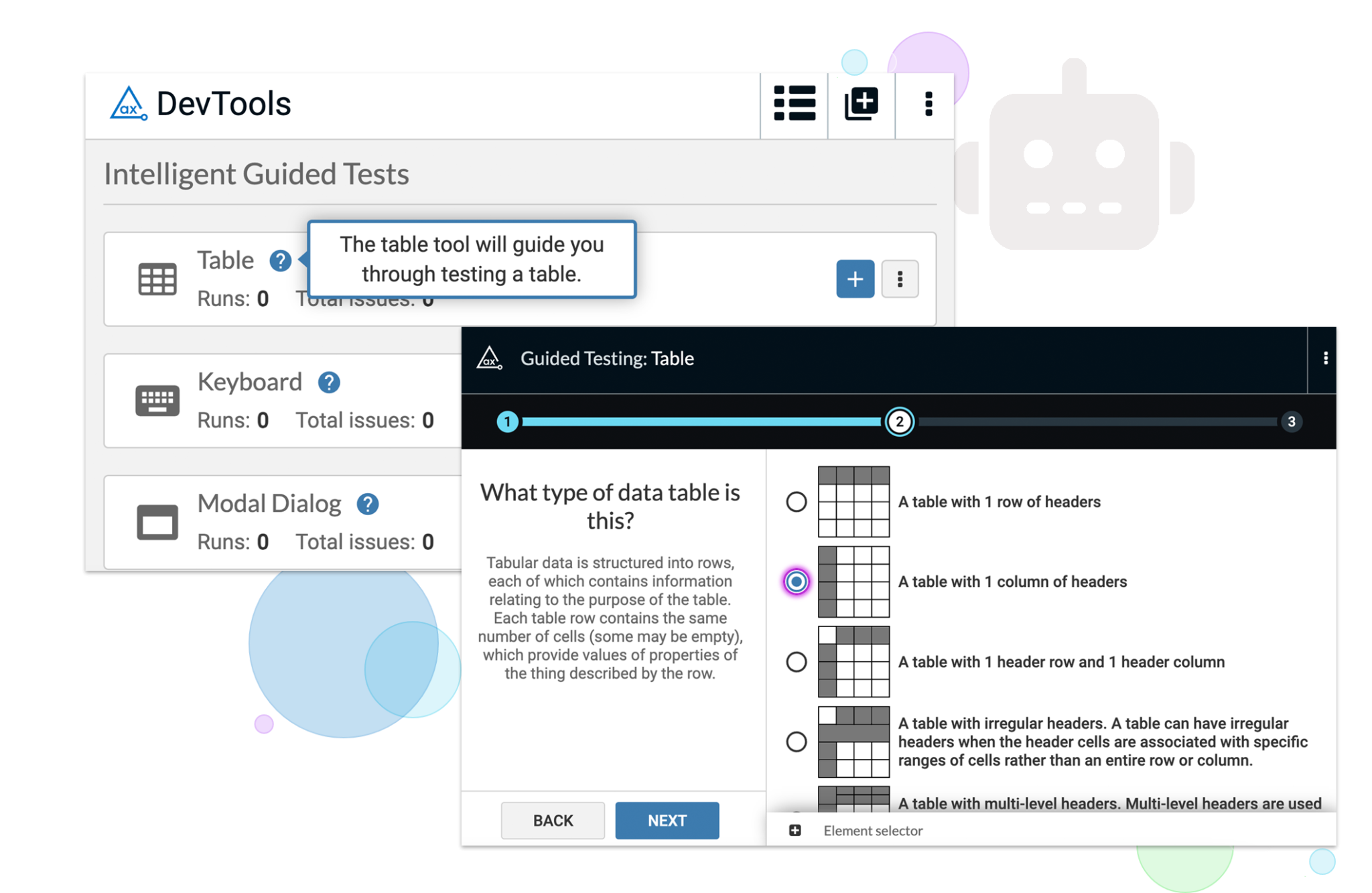
axe DevTools
-
Lighthouse Accessibility Audit
-
Wave Accessibility Tool
11. Testing and QA Procedures
Key Review Areas:
-
Manual QA across all pages, devices, and flows (cart, checkout, filters).
-
Automated testing for apps using Jest, Cypress, or Playwright.
-
Error handling for user inputs and system failures.
-
Logging and debugging statements removed before production.
12. Security and Compliance
Key Review Areas:
-
No exposed secrets or tokens in public repositories.
-
Webhooks and API calls use encrypted channels and secure tokens.
-
GDPR/CCPA compliance: cookie consent, data handling, and deletion policies.
-
Shopify’s CSP (Content Security Policy) enforced for embedded apps.
13. Internationalization and Localization
Key Review Areas:
-
Use of Shopify Markets and proper currency formatting.
-
Language selector implementation and multi-language content structure.
-
Translations loaded dynamically and efficiently.
-
Tax and shipping logic validated for international users.
Final Pre-Launch Checklist
Before any Shopify project goes live:
-
All pages tested for responsiveness and loading speed.
-
No console errors or Liquid warnings.
-
Checkout and payment flows tested end-to-end.
-
Apps integrated correctly and tested under real traffic conditions.
-
Admin settings and schema validated in theme editor.
Conclusion
A code review is not just about finding bugs, it’s about enforcing standards, maintaining scalability, and delivering a stable and secure product. Shopify development in 2025 demands attention to performance, security, code structure, and cross-functional compatibility. You can get services of professional Shopify store setup migration from any platform or to hire Shopify app development from Folio3.
Whether you’re building for Shopify Basic, Shopify Plus, or creating a headless storefront with Hydrogen, this code review checklist helps you ensure production-readiness, maintainability, and high performance across your Shopify projects.